How to Apply for Child B Form Online in Pakistan: Step-by-Step NADRA Guide
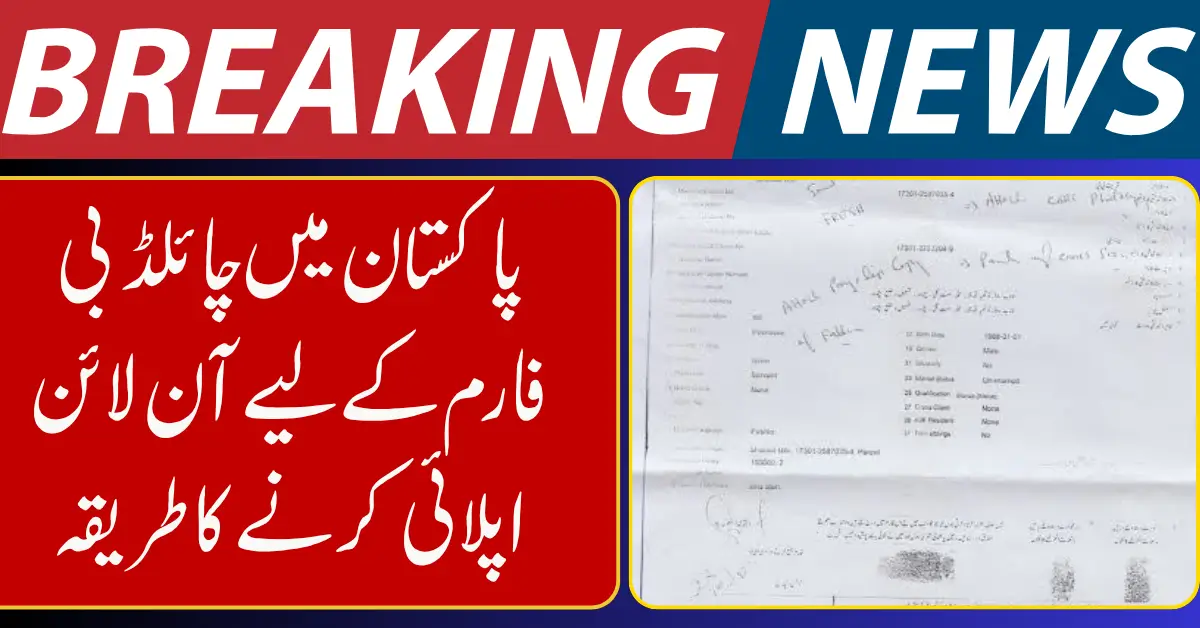
If you want to apply for a Child B Form in Pakistan, the process is now much easier than before. The B Form, officially called the Child Registration Certificate (CRC), is issued by NADRA and is required for a child’s identity record in Pakistan. It is commonly needed for school admission, passport application, immigration, and family record verification.
This guide explains the online B Form application process in Pakistan in simple steps so parents can complete it without confusion.
What Is a Child B Form in Pakistan?
The B Form / CRC is an official child identity document for Pakistani children under 18. It connects the child’s record with the parents in NADRA’s family database.
Why is the B Form important?
- Required for passport application
- Useful for school and college admissions
- Needed for visa and travel documentation
- Helps maintain an accurate family registration record
Can You Apply for Child B Form Online?
Yes, in many cases you can start the process online through Pak Identity, NADRA’s official online portal. NADRA states that Pak Identity supports online applications and payments, and CRC issuance is available online for children up to one year of age through Pak Identity.
For older children or special cases, NADRA may ask you to visit a registration center for verification.
Documents Required for Child B Form Online Apply
Before starting, keep these documents ready:
Required Documents
- Child’s birth certificate
- Mother or father’s CNIC/NICOP
- Active mobile number
- Valid email address
- Child’s recent passport-size photograph (if required)
Having clear scanned copies helps avoid rejection or delay.
How to Apply for Child B Form Online Pakistan
Follow these easy steps:
Step 1: Create a Pak Identity Account
Visit NADRA’s Pak Identity portal and create your account.
Step 2: Complete Verification
Log in and complete account verification. NADRA may require biometric or facial verification through the mobile app.
Step 3: Start a New CRC / B Form Application
Choose Child Registration Certificate (CRC) from the available services.
Step 4: Enter Child Details
Add the child’s:
- Full name
- Date of birth
- Gender
- Parent information
- Address details
Step 5: Upload Documents
Upload the required supporting documents carefully.
Step 6: Pay the Fee
Pay the application fee using the available payment options on Pak Identity.
Step 7: Submit and Track
Submit the form and keep your tracking ID. You can later track your application status online or through NADRA support.
Important Tips for Parents
- Make sure the child’s birth certificate details match exactly
- Use the correct spelling of names
- Double-check parent CNIC details
- Keep screenshots of payment and tracking ID
FAQs
1. What is the full form of B Form in Pakistan?
B Form is commonly known as the Child Registration Certificate (CRC) issued by NADRA.
2. Can I apply for B Form online in Pakistan?
Yes, you can apply online through Pak Identity, depending on the child’s age and case type.
3. Which documents are required for a child B Form?
Usually, you need the birth certificate and parents’ CNICs.
4. Is B Form necessary for a passport in Pakistan?
Yes, in most cases the B Form is required when applying for a child’s passport.